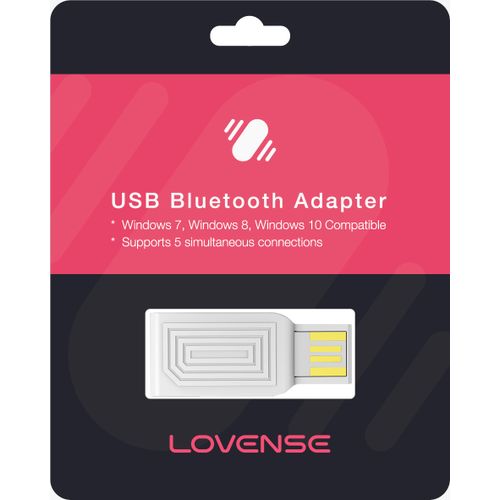
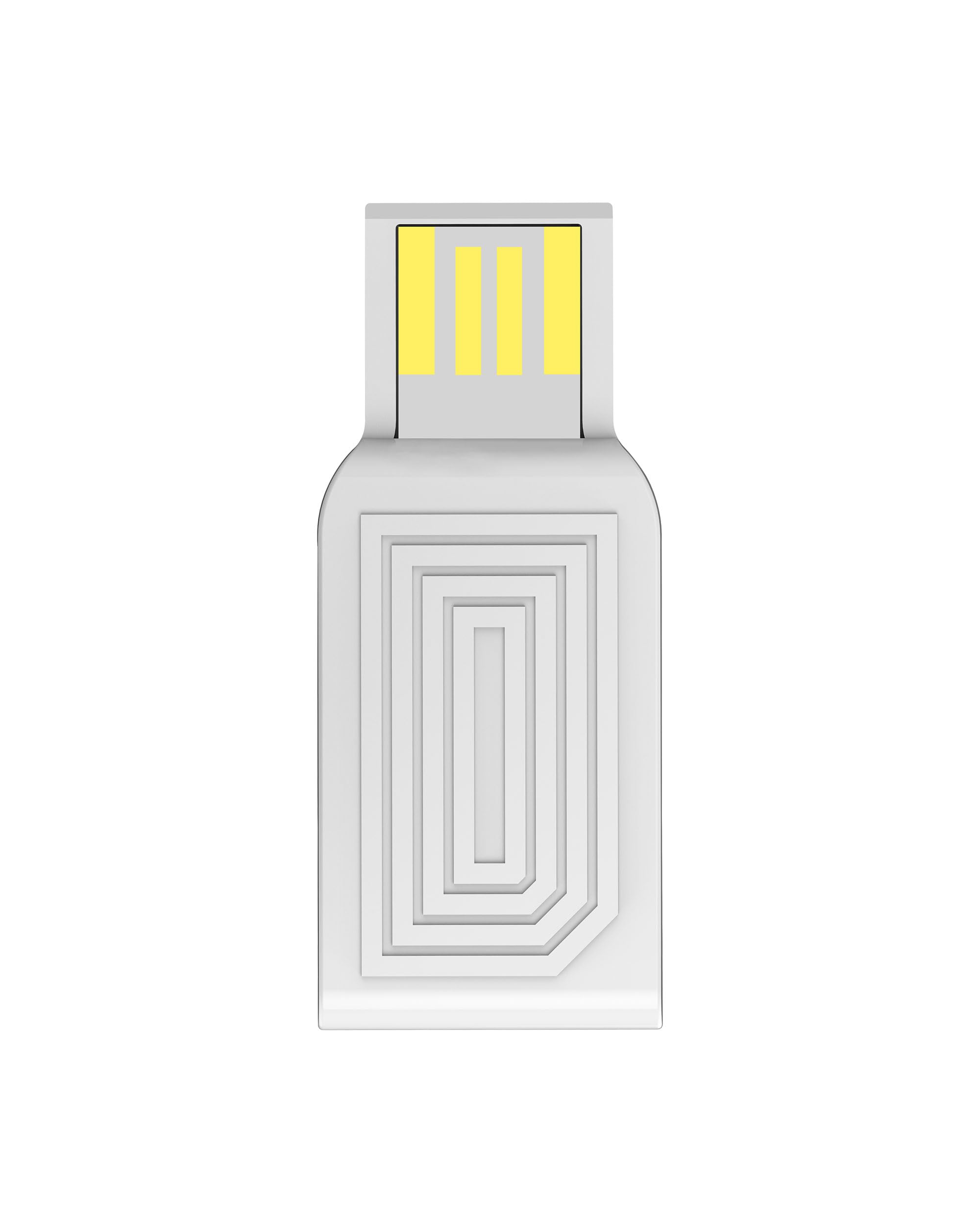
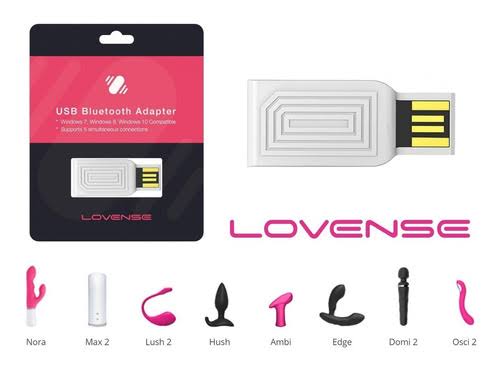
Connect your Lovense toys to your computer with the Lovense USB Bluetooth Adapter, a compact PC accessory designed specifically for communication between Lovense devices and Windows computers.
The adapter plugs directly into an available USB port on your computer and provides the Bluetooth connection required for compatible Lovense toys to communicate with Lovense software. Lovense states that its USB Bluetooth Adapter works with all Lovense toys, while generic Bluetooth dongles are not supported for connecting Lovense toys.
It supports Windows 7, Windows 8, Windows 10 and Windows 11, making it suitable for a wide range of Windows PCs and laptops. The adapter can also support up to five simultaneous Lovense toy connections, allowing multiple compatible devices to be managed from one computer.
This makes the adapter particularly useful for users who want to connect Lovense products to a computer for interactive applications, remote control, online experiences or synchronized toy control. Lovense's PC setup instructions use the adapter together with Lovense Connect to establish the connection between the toy and Windows PC.
The compact USB design keeps the adapter simple to install and convenient to leave connected to your computer. Simply plug it into a compatible USB port and configure your Lovense software according to the manufacturer's instructions.
Important: this is a Lovense-specific Bluetooth adapter, not a replacement for a normal universal Bluetooth dongle. Lovense specifically states that its toys cannot be connected to a Windows PC using generic Bluetooth adapters.
Key Features
- Official Lovense USB Bluetooth Adapter
- Designed specifically for Lovense toys
- Connects Lovense devices to a Windows PC
- USB plug-and-play style connection
- Supports Windows 7, 8, 10 and 11
- Supports up to 5 simultaneous Lovense connections
- Compatible with Lovense toys
- Compact design
- Suitable for interactive and remote-control applications
- Useful for computer-based Lovense experiences
Specifications
| Feature | Details |
|---|---|
| Product Name | Lovense USB Bluetooth Adapter |
| Brand | Lovense |
| Product Type | USB Bluetooth Adapter |
| Connection | USB |
| Primary Use | Connect Lovense toys to Windows PC |
| Compatible Toys | Lovense toys |
| Operating Systems | Windows 7, 8, 10, 11 |
| Simultaneous Connections | Up to 5 |
| Use | Remote Control / Interactive Applications |
| SKU | Not provided |
How to Use
- Insert the Lovense USB Bluetooth Adapter into an available USB port on your Windows computer.
- Install the required Lovense software according to the manufacturer's instructions.
- Open the Lovense application on your PC.
- Turn on your compatible Lovense toy.
- Use the application to add and connect the toy.
- If using multiple toys, add each compatible device through the Lovense software.
- Keep the adapter connected while using the toys with your computer.
Lovense's PC setup documentation specifically recommends connecting the adapter to a free USB port and using Lovense Connect to add the toy.
Best Uses
- Connecting Lovense toys to a Windows PC
- Interactive toy control
- Remote-control applications
- Computer-based intimate experiences
- Connecting multiple Lovense toys
- Lovense Connect setup
- Interactive online experiences
Care Instructions
- Keep the adapter dry.
- Do not expose it to water or other liquids.
- Disconnect it carefully when removing it from the computer.
- Store it somewhere clean and dry when not in use.
- Avoid bending or damaging the USB connector.
- Keep the adapter away from excessive heat and moisture.
Frequently Asked Questions
What does the Lovense USB Bluetooth Adapter do?
It allows compatible Lovense toys to communicate with a Windows PC through Bluetooth using a USB connection.
Does it work with all Lovense toys?
Lovense states that the adapter is compatible with all Lovense toys.
Can I use a normal Bluetooth dongle instead?
No. Lovense specifically states that its toys cannot be connected to a Windows PC using generic Bluetooth dongles.
Which Windows versions are supported?
The adapter supports Windows 7, Windows 8, Windows 10 and Windows 11.
How many Lovense toys can I connect?
The adapter supports up to five simultaneous connections.
Can I use it with a phone?
This adapter is intended for connecting Lovense toys to a Windows PC. Lovense's mobile apps connect compatible toys directly through supported mobile-device Bluetooth rather than requiring this USB adapter.
Is it a normal Bluetooth adapter for connecting headphones, keyboards and other devices?
No. It is designed specifically for Lovense toys and should not be marketed as a general-purpose Bluetooth adapter.
How is it delivered?
Geilstore orders are packaged discreetly. Delivery is available within minutes in Nairobi CBD, a few hours across Nairobi and surrounding areas, next-day across Kenya, and throughout East Africa. Free pickup is also available from our CBD shop.